Observational Profiles are rating scales the student's multidisciplinary IEP team completes to capture present levels, strengths, and support needs, and to recommend a differentiated level.
Complete a new profile each year.
Every student brings a unique combination of strengths, needs, skills, interests, and ways of accessing instruction. Before planning what and how to teach, educators need a clear understanding of the individual learners in their classroom. Use assessment results, observational profiles, instructional suggestions, accessibility considerations, and other available student information to identify areas of strength and need and determine the supports that can help each student access instruction.
With a clearer picture of student needs, educators can make more intentional decisions about how to use Unique Learning System, News2you, and Symbolstix together. This foundation helps ensure that core instruction, supplemental learning opportunities, communication supports, and accessibility features are selected with individual students in mind, creating a starting point for more purposeful planning and a classroom experience designed around the learners it serves.
At the start of the year, gather what the team already knows:
Use Unique Learning System's assessment tools to confirm or update that picture.
Reviewing existing data and collecting new data determines which settings to choose. Existing records show which accommodations and supports a student already relies on, such as IEP accommodations, assistive technology, and communication methods. New data from observational profiles and benchmark assessments shows the right level of support now.
Observational Profiles are rating scales the student's multidisciplinary IEP team completes to capture present levels, strengths, and support needs, and to recommend a differentiated level.
Complete a new profile each year.

Observational Profiles are rating scales the student's multidisciplinary IEP team completes to capture present levels, strengths, and support needs, and to recommend a differentiated level.
Complete a new profile each year.
Creating a new profile each year automatically archives the previous one, which keeps a history of student growth. Each completed profile produces a score and a suggested differentiated level. Profile results list each section's level, the descriptors selected, and suggested strategies. Use the listed strategies to choose scaffolds, group students, and draft IEP present levels and goals.
Once a level is set, all assigned Unique Learning System and News2you activities load at that differentiated level.
Each benchmark score falls into one of four interpretation ranges. The goal is to move up and down the sequence until the student scores within the Instructional range. That skill becomes the right target for daily instruction and IEP goals.
When the settings in each solution reflect the same data, supports stay consistent from one activity to the next. The example below shows how one student's profile results lead to settings and resources across Unique Learning System, News2you, and Symbolstix.
Example: A student whose observational profile recommends Level 1 and who communicates with symbols

Set once per student in My Account → Students → Student Card → Settings
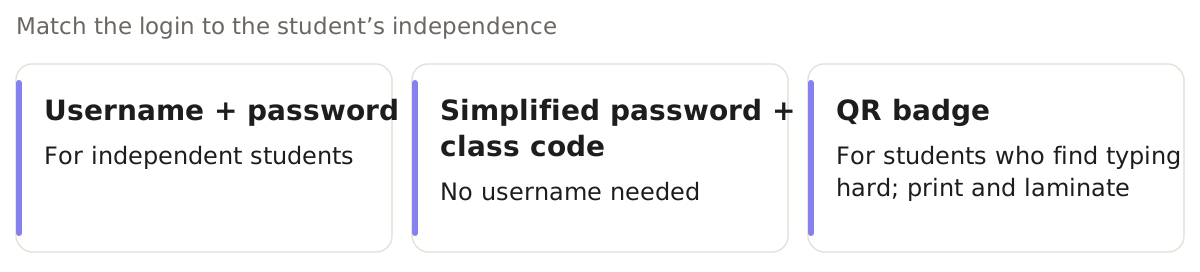
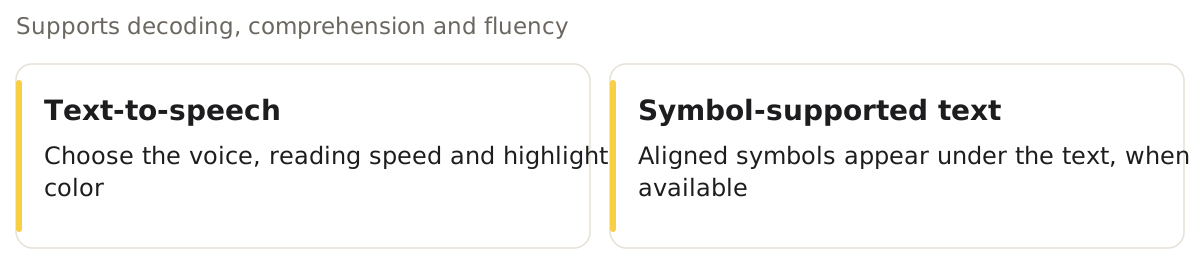
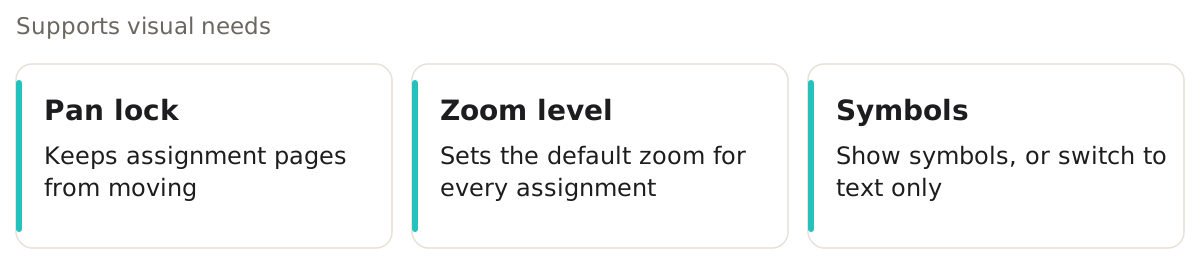
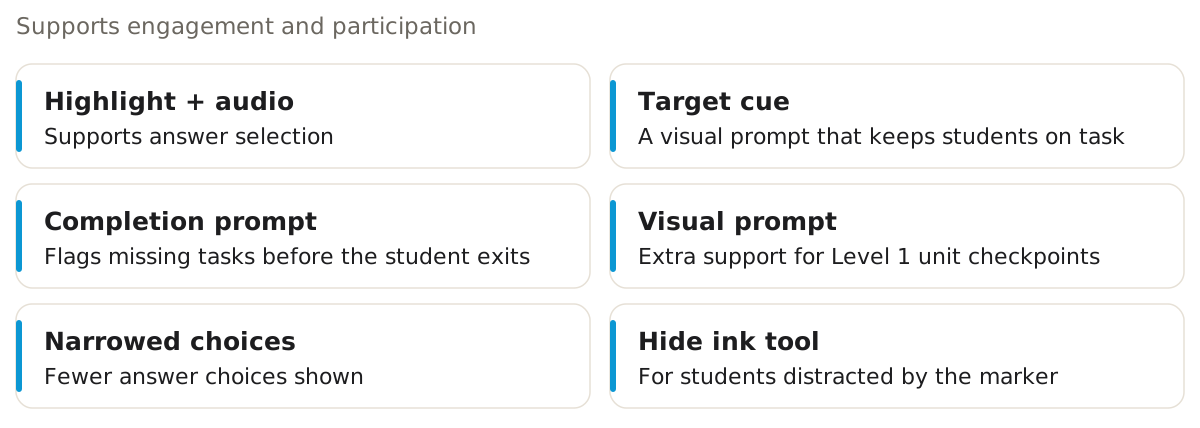
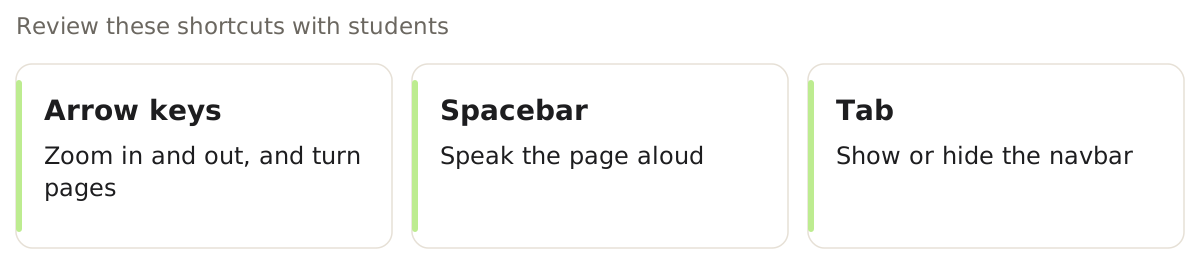
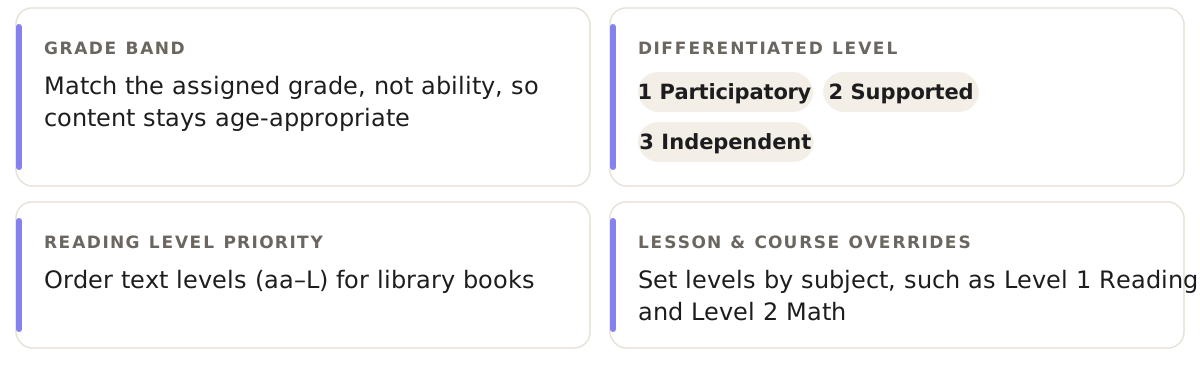
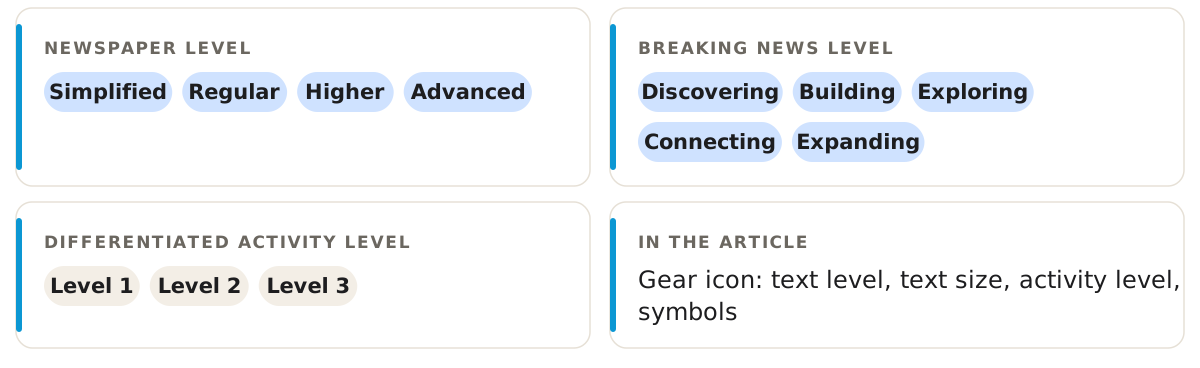
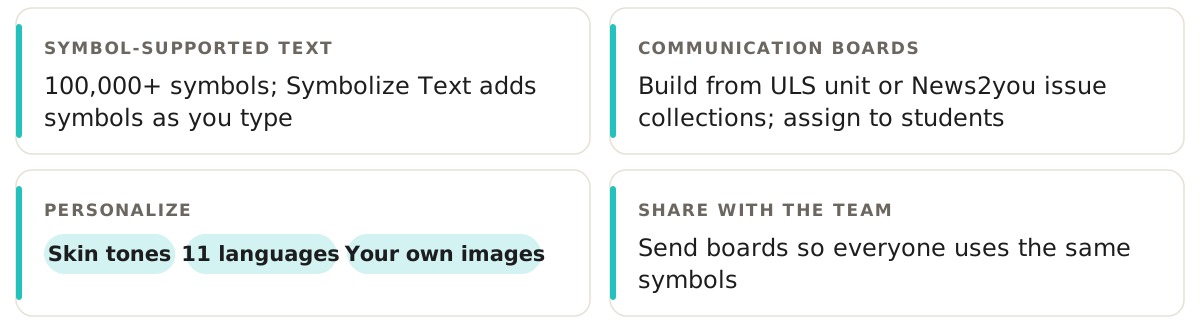
Explore the features within Unique Learning System, News2you, and Symbolstix that support accessibility and differentiation by adjusting student account settings to provide a customized and aligned experience across solutions.


