Writing IEP Goals in Polaris
Polaris helps teachers create highly individualized, district-compliant goals and objectives for each student. Goals are personalized using results from benchmark assessments, rubrics, and profiles, while district compliance is supported by analyzing recently submitted IEP goals to identify formatting patterns, including where to place the date, mastery criteria, and target value within the goal text.
Requirements for Goals and Objectives
Polaris requires each goal and objective to include a date, target value, and mastery criteria before it can be submitted.
This helps the goal and objective follow S.M.A.R.T guidelines:
- Specific: Well-defined and clear
- Measurable: Progress can be tracked
- Achievable: Realistic and attainable
- Relevant: Aligned with overall objectives
- Time-bound: Has a deadline
By default, suggested goals and objectives in Polaris will include a date, target value, and mastery criteria.
Date
The specific date the goal will be achieved by.
Example:
- By 05/30/2026
Target Value
Defines the level of accuracy or performance expected for a student to achieve the goal. It quantifies the desired level of success in measurable terms.
Examples:
- with 80% accuracy
- with 1 prompt
Mastery Criteria
Specifies how consistently a student must demonstrate a skill or behavior to be considered proficient. It establishes the number or percentage of successful trials required to show mastery.
Examples:
- in 4 out of 5 trials
- over 3 consecutive days
When you write a goal or objective that is missing one or more pieces of data, Polaris will adjust the text to make sure all three are included.
Here’s an example of a goal generated by Polaris, not yet changed by a user:
By 12/01/2026, when given a sample sentence completion task, Suzie will correctly use emerging conventions of grammar (beginning capitalization, ending punctuation, common nouns, verbs, prepositions, and interrogatives) with 80% accuracy in 4 out of 5 trials.
Here’s an example of how a user may change the goal to be more in their districts format (notice the user has removed the mastery criteria):
By 12/01/2026, when given a simple sentence completion task, Suzie will correctly use emerging conventions of grammar (beginning capitalization, ending punctuation, common nouns, verbs, prepositions, and interrogatives) with 80% accuracy.
Here is an example of what Polaris will update the goal statement to be, to make sure it includes mastery criteria text (notice the 3 out of 4 trials in brackets):
By 12/01/2026, when given a simple sentence completion task, Suzie will correctly use emerging conventions of grammar (beginning capitalization, ending punctuation, common nouns, verbs, prepositions, and interrogatives) with 80% accuracy [3 out of 4 trials].
✔️ GOAL suggested to help track progress: We added mastery criteria (3 out of 4 trials) to make the goal more specific. You can adjust it as needed.
Adding Goals from the Libraries Page
- Navigate to your Menu > Polaris > Libraries
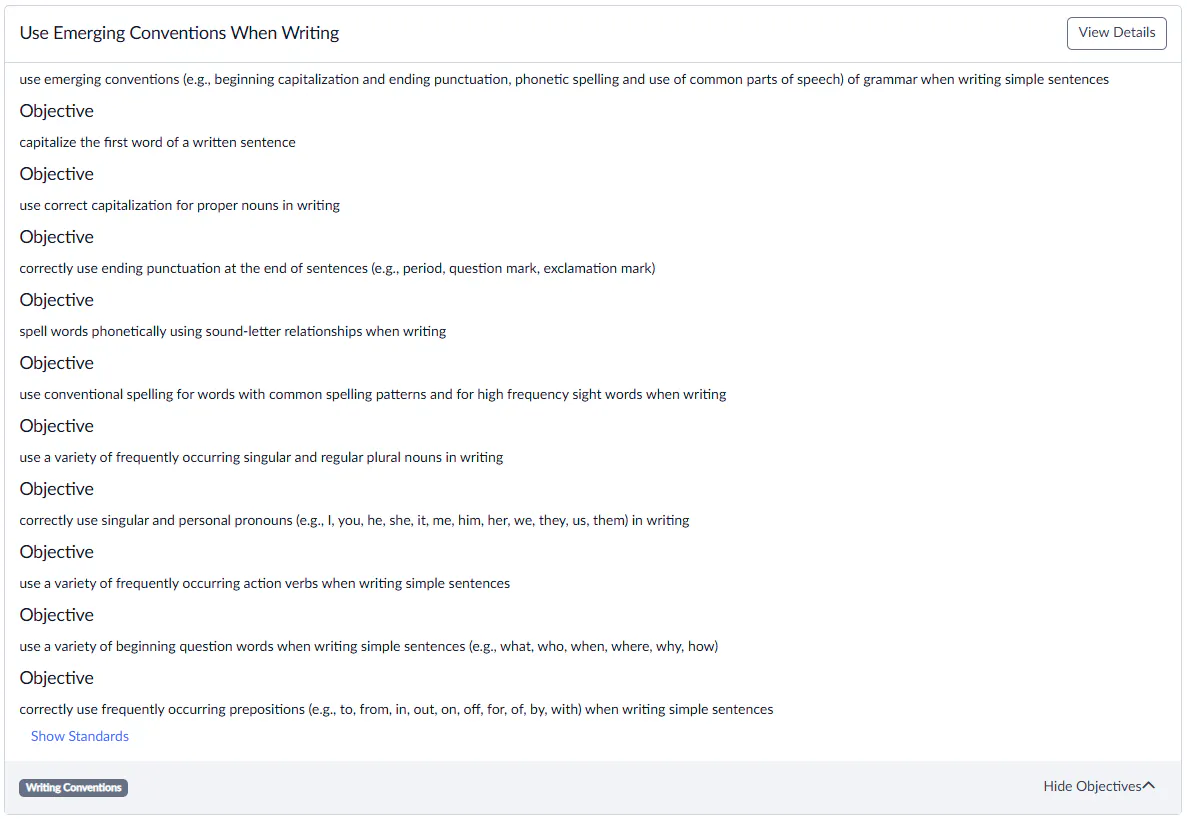
- Locate your goal and select View Details
- Search for your student and select Continue
- Edit as needed and select Add Goal.
When you add a goal from the Libraries > Goals tab to a Polaris IEP draft, Polaris now uses GenAI to expand the selected goal text into a fully crafted goal with suggested objectives.