
Equatio

Equatio Student Quick Start

Looking for ways to introduce Equatio to your students, help them practice using the tool, or run whole-classroom activities? These ready-made activities and lessons help students explore the tools through real classroom tasks - no setup or prior knowledge needed.

4 steps3 min read

Equatio divider

section 1 of 4

Practice activities
Mathspace activity templates

Make a copy of any activity or template and start exploring the features provided.
Activity lesson plans (elementary, middle school, high school)

Get to know Equatio features through guided lessons.


section 2 of 4

Feature tours

Explore these short videos to show students how specific tools work.

Use them during lessons to model how features work in context.

Input

Create math your way with digital, editable, and accessible input

Equation Editor

Create a digital math expression by typing into the math panel to insert fractions, exponents, operators, formulas, chemical symbols, text, and more.

Benefits: 

  • Create vertical operations that can be solved using multi-line math
  • Increase problem-solving efficiency with results shown in real time

Watch video

+4 more input tools

LaTeX Editor

Create and edit complex math expressions with ease.

Benefits: 

  • Receive automated formatting of complex math equations, typically used in advanced math classes

Watch video

Prediction

Efficiently insert predicted equations, numbers, and symbols into the Equation Editor.

Benefits: 

  • Create efficient math and science expressions
  • Decrease time and frustration of writing math equations as it predicts and inserts numbers and symbols into your document

Watch video

Handwriting Recognition

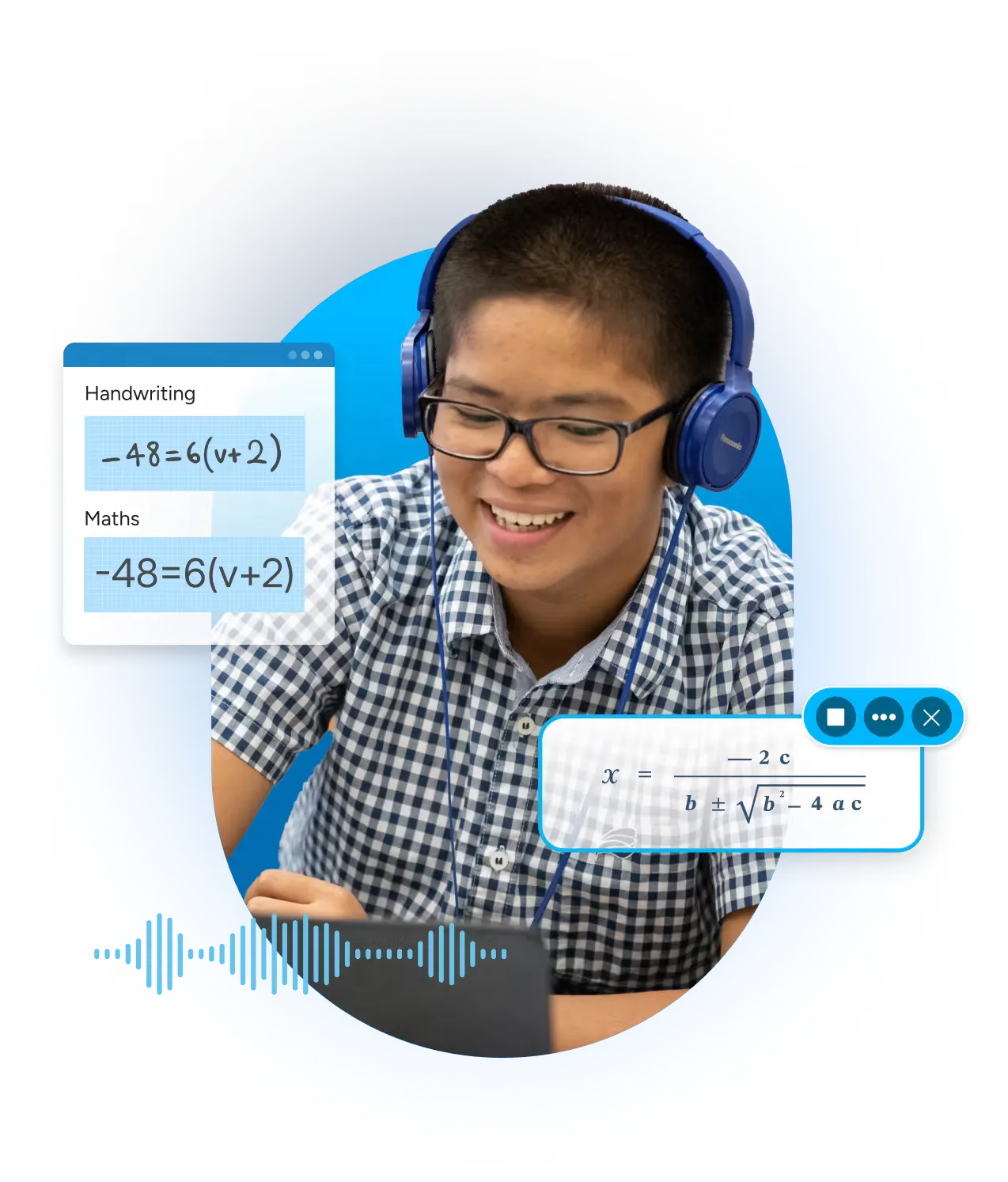
Write math by hand, using a mouse or touchscreen, and have it converted automatically into digital math.

Benefits: 

  • Provide an alternate option for students unable to successfully input from a keyboard
  • Decrease the need to change students’ typical or preferred method of working - reducing anxiety and stress

Watch video

Speech Input

Dictate math into your device's microphone and have it converted automatically into digital math.

Benefits: 

  • Allow students to dictate math in Equatio, Mathspace, and Equatio Mobile - offering an alternative to typing or handwriting math
  • Support students, who can’t or prefer not to use a keyboard, to insert math and science expressions verbally

Watch video

Visualization

Bring math and science to life with interactive, visual tools

Whiteboard

Interact with a digital scratch pad containing shapes, arrows, lines, freehand annotations, text entries, and more.

Benefits:

  • Increase engagement and participation in math activities
  • Enhance use of digital math manipulatives
  • Increase flexibility for students to show their work and understanding of math processes

Watch video

+2 more visualization tools

Desmos Graphing Calculator

Help students express their knowledge and visualize math digitally with easy access to graphing tools in a familiar environment.

Benefits: 

  • Create and customize single or multiple graphs, plot ordered pairs or tables of points, and more

Watch video

STEM Tools

Explore the Periodic Table, access the Desmos Scientific Calculator and engage with the Molecular Viewer to explore chemical structures.

Benefits: 

  • Provide three additional tools to support integration of multiple subject areas
  • Increase efficient and accessible opportunities to use a Periodic Table, Scientific Calculator and Molecular Viewer

Watch video

Accessibility

Include everyone in your math classroom with accessibility-first tools

Equatio Mobile

Input handwritten math or images using a mobile device.

Benefits:

  • Allow students to convert handwritten or textbook math images into accessible documents
  • Save time as students can use their smartphone to quickly convert handwritten or textbook printed math into accessible math

Watch video

+2 more accessibility tools

Screenshot Reader

Turn any equation across the web into digital, editable and accessible math.

Benefits: 

  • Read and understand inaccessible documents, like PDFs, by reading them aloud
  • Increase proofreading opportunities - reducing stress or anxiety associated when working with inaccessible documents

Watch video 

Discoverability

Read, copy, and create accessible math directly from a webpage.

Benefits: 

  • Reduce cognitive load by allowing students to locate, hear, and capture complex math equations
  • Support auditory learning preferences

Watch video

Additional Support

Empower teaching, practice and assessment with AI-driven support

Mathspace

Automatically open an Equatio Mathspace that is linked with the current document you’re working on.

Benefits:

  • Increase collaboration and feedback opportunities when practicing math skills
  • Provide an additional environment to support teacher and student preference when using Equatio math features

Watch video

+2 more support tools

Math Mentor

While using the Equation Editor, users immediately receive dedicated, built-in tutoring for math equations to support problem solving.

Benefits: 

  • Immediately receive built-in guidance when solving math problems that are complex or may require additional assistance
  • Increase math success and completion of all steps within a math process

Watch video 

Forms Creator

Create quizzes, exams, formative assessments, or exit tickets in Google Forms and view the collected responses for grading and analysis.

Benefits: 

  • Streamline and enhance the process of creating math assignments

Watch video


section 3 of 4

Find the right tools for each student

Not every student uses Equatio in the same way. Depending on the skills and concepts being taught, different Equation Editor functions may be more useful than others.

Explore these skill-based demonstrations to see how the Equation Editor feature can support a variety of learning activities.


section 4 of 4

Using Exam Mode

Equatio's Exam Mode allows students to use the Screenshot Reader by default so the math can be read aloud by dragging a box around the problem to hear the proper playback of text and the math problem itself.

If an educator would like to enable more features than simply the Screenshot Reader, then this can be easily done by toggling on more features.

Once the password is established, the student is then only able to use the features selected by the educator.

What is Exam Mode?

Exam Mode lets you control which Equatio features are available during an exam. Students only have access to the tools they're permitted to use.

How it works

Watch our Exam Mode setup video to walk through the process end to end.

Important to know
  • Each student must have their own login.
  • Equatio must be opened at least once before the exam.

Exam Mode Method

Platform Audience

Support Article

Video

Equatio For Chrome

Data Desk

Users who have students enrolled in Google Classroom

Using Data Desk to Limit Features

Data Desk

Equatio For Chrome

Feature Switching

Users who have students integrated in an LMS (Canvas, Schoology, D2L, etc.)

Equatio Feature Switching for Tests and Exams

N/A

Exam Mode for Desktop

Phase 1

IT admin who can deploy a JSON file to an entire computer lab

Using Exam Mode In Equatio Desktop

Desktop1

Exam Mode for Desktop

Phase 2

Classroom teachers or proctors

Using Exam Mode In Equatio Desktop

Desktop2