Read&Write for iPad: Making inclusive learning mobile
This session introduces how Read&Write can support inclusive learning on iPad. It shows how students can use the Read&Write keyboard and writing app to access reading support, understand vocabulary, scan printed materials and express their ideas more confidently.
What you’ll learn
- How to set up and enable the Read&Write keyboard on iPad
- How Text-to-Speech supports reading and comprehension
- How Dictionary, Picture Dictionary and translation tools support vocabulary
- How students can scan printed text to make it accessible
- How Prediction and Dictation can support writing stamina and confidence
- How settings like font, background and keyboard options can be adjusted for individual needs
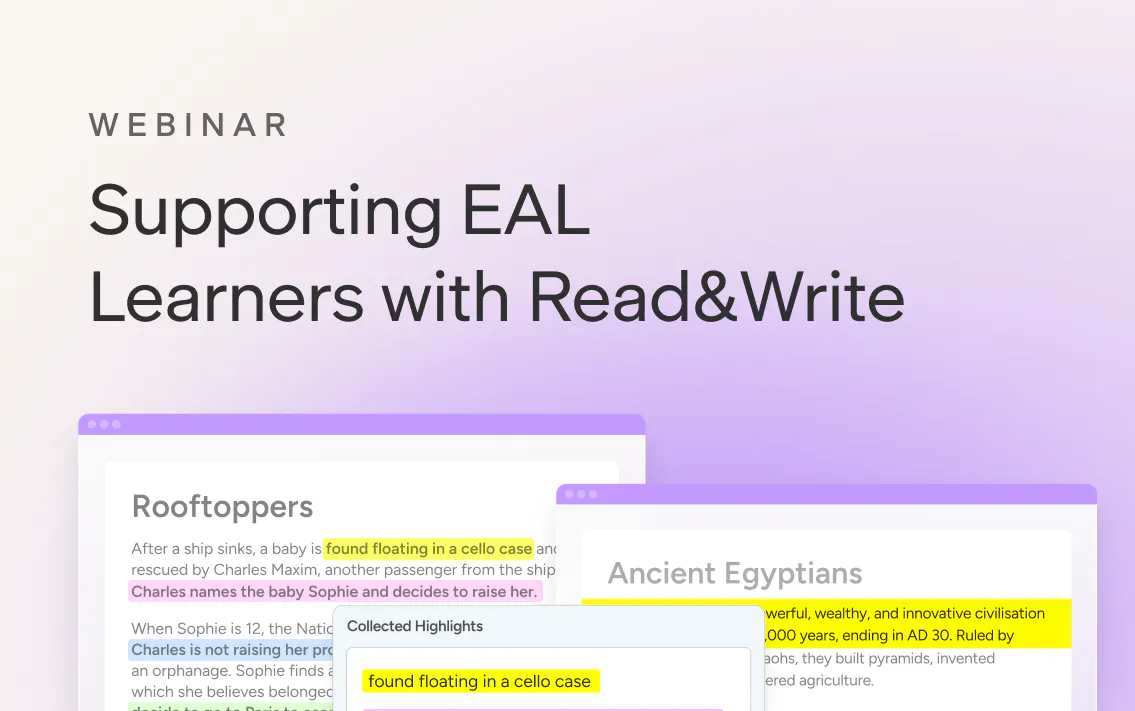
Webinar
Supporting multilingual (EAL) learners with Read&Write
Using Read&Write to support language development and comprehension.
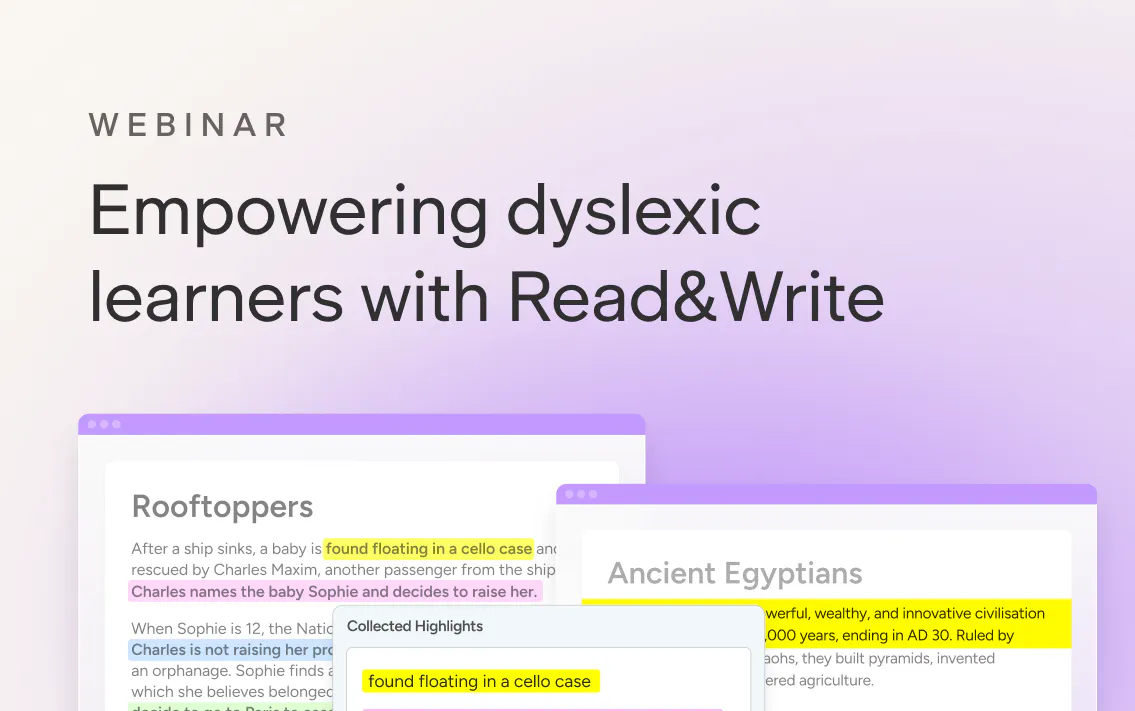
Webinar
Empowering dyslexic learners with Read&Write
A practical webinar exploring how Read&Write tools can support students with dyslexia through reading, writing and accessibility supports that build confidence and independence.

Webinar
Getting started with Read&Write in your classroom
A purposeful start to the year ahead. Get set up, explore key Read&Write tools, and build confidence from day one.