
section 1 of 4
How Read&Write helps your child
Read&Write is a toolbar full of helpful features that can read text aloud, defines tricky words and supports writing. Use as much (or as little) as your child needs.
By completing this pathway, you'll understand how it can support learners in many areas, some examples include:
- Understand what they’re reading
- Learn new words and vocabulary
- Express their ideas more easily
- Stay focused on tasks
- Build confidence in their learning
It’s especially helpful for children with dyslexia, ADHD, Autism and or other learning differences, but it benefits all learners to work and learn in ways that suit them best.
A quick look at Read&Write
Watch this short introduction video to see Read&Write in action and understand how it supports learning for all kinds of minds.
section 2 of 4
Using Read&Write at home
Sign in once on your child's device and the toolbar will be there waiting whenever they need it.
Three quick steps to get going
1 Open Chrome on your child's device
Look for the Read&Write icon at the top right of the browser. If it isn't visible, click the puzzle piece and pin it.
2 Sign in with their school account
- Click the icon and sign in using the school login.
- The toolbar will pop up across the top of the screen, it's already paid for by the school.
3 Try the toolbar together
- You can test out many different features. A shared first try together makes a big difference.
- To start with Text-to-Speech, select a passage from your child's homework, press play and listen together.
More helpful resources to explore
Read&Write Home Use Guide
A practical guide to supporting your child at home.
Take a quick tour
Watch this quick interactive walkthrough of how to access and open Read&Write.
section 3 of 4
Read&Write core features
Read&Write gives students support in the moment while doing their schoolwork, helping them learn more independently and with confidence. If you’d like to see how specific features work, view feature videos by platform.
You don’t need to know everything yet, just start with using a few core features on the toolbar to find what's helpful.
Reading and fluency
Text-to-Speech
Text-to-Speech reads text aloud while highlighting words, helping students follow along and better understand what they’re reading.
Benefits:
- Reads text from documents, websites and PDFs
- Supports comprehension with dual color highlighting
Comprehension and vocabulary
Dictionary and Picture Dictionary
Dictionary tools provide instant definitions, with the option to hear words read aloud or see visual supports.
Benefits:
- Defines unfamiliar words with audio support
- Builds vocabulary using text and images
Written expression
Prediction
Help students plan, write and edit their work with greater confidence.
Benefits:
- Defines unfamiliar words with audio support
- Builds vocabulary using text and images
Explore features by platform


section 4 of 4
Build Read&Write into your a routine
A few small habits at home can make Read&Write feel natural, so it's not just like another tool to learn. Here are some routines that you may find work for you.
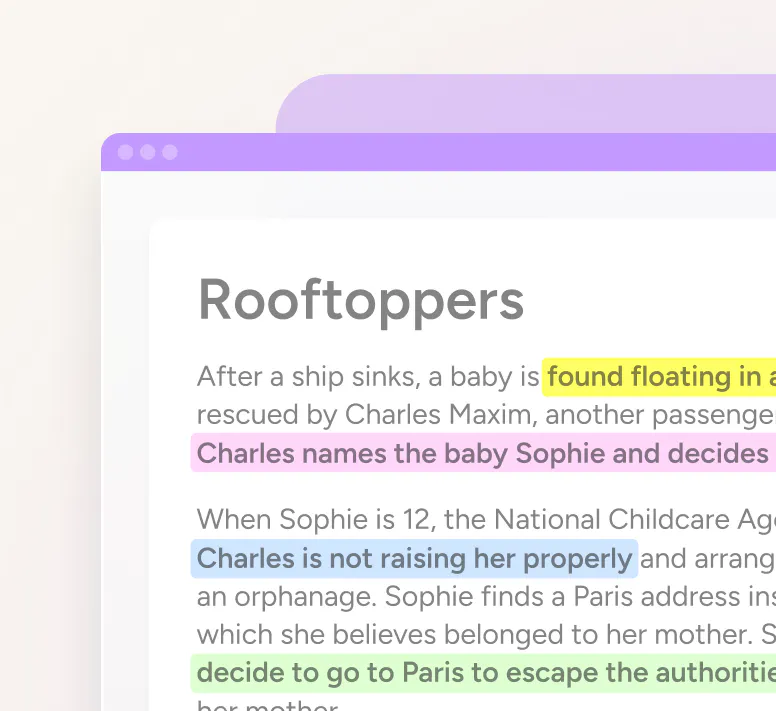
During research
Use the Collect Highlights tool to help your child highlight important text in different colors, then gather it into one organized summary. Perfect for projects and researching online.
TIP Try one color for main ideas, another for supporting details.
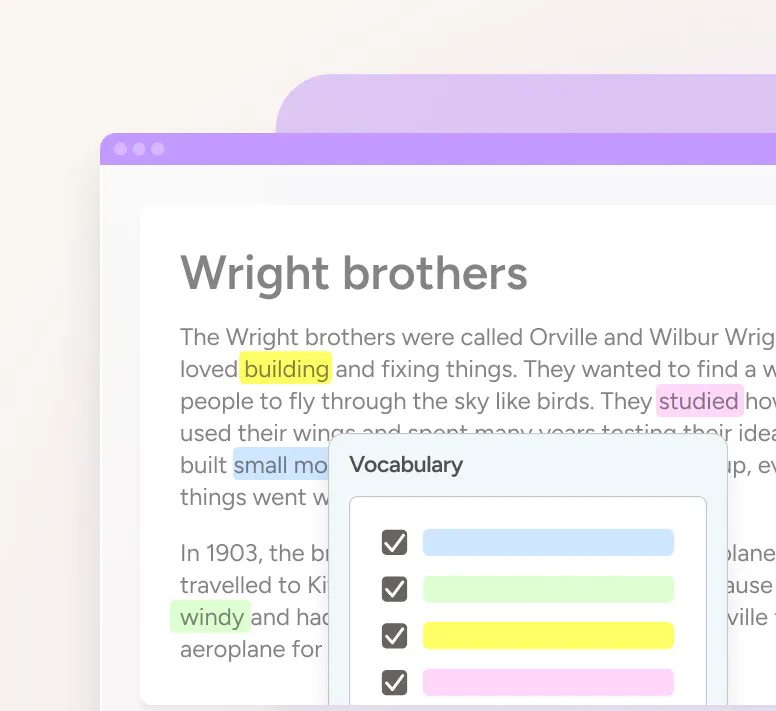
Learning new words
Build a list of words your child is learning using the Vocabulary List. Great for revision before tests.
TIP Saved vocab lists come back every sign-in, no rebuilding from scratch.

During reading
The Screen Masking feature dims the page and gives a focus window that follows the mouse, making it easier to stay on the line being read.
TIP Helpful during long reads or pages with lots of distracting visuals.
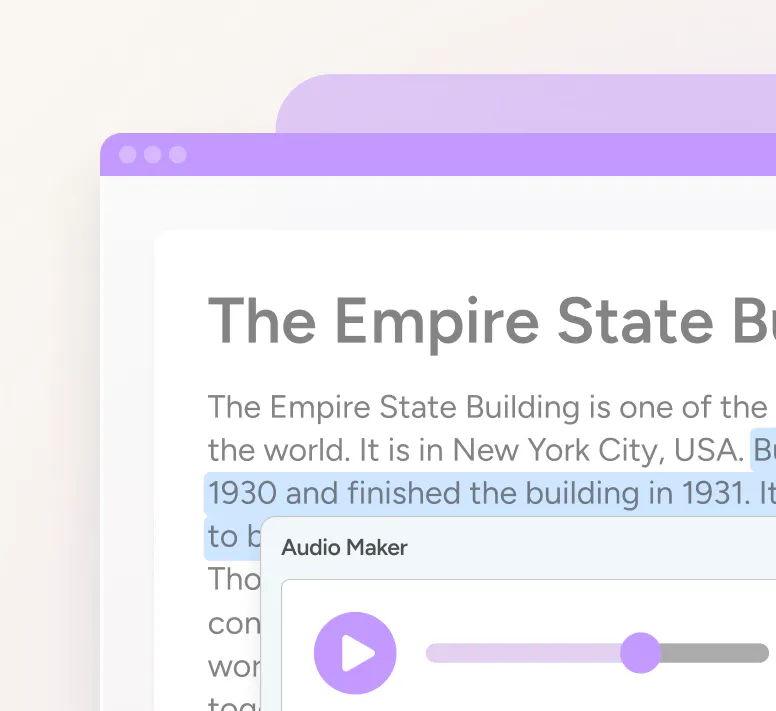
Listening to work
Turn any text into an MP3 audio file with Audio Maker. Listen through the phone, in the car, or on the way to school.
TIP Do this for memorizing notes, formulas, or revision notes.