
Iowa's Access for ALL
Every student in Iowa now has access to: Iowa's Access for ALL
Every student in Iowa now has access to: Iowa's Access for ALL
The Iowa Department of Education is offering the Universal Protocol for Accommodations in Reading (uPar) and Read&Write software to Iowa schools through the expanded Access for ALL initiative. The two resources will help teachers identify students who benefit from a read aloud accommodation and provide access to grade-level content through a text reader.
Access for ALL supports students as they move from learning to read to reading to learn. This aligns with the Department’s priorities to provide evidence-based reading instruction and help narrow and close achievement gaps. Please contact MeLissa Lawson, melissa.lawson@iowa.gov with questions.

Identifies reading struggles
Get uPar for your district by completing the form below. Once you’ve submitted the form, we’ll let your district team know when your access has been established.

Reading and writing digital toolbar
Complete the form linked below for access to Read&Write software for your district.
District uPar and Read&Write deployment
Watch the Access for ALL webinar series to learn more about uPar in Iowa, including the state’s approach to making grade-level content accessible.
Watch the Access for ALL webinar series to learn more about uPar in Iowa, including the state’s approach to making grade-level content accessible.
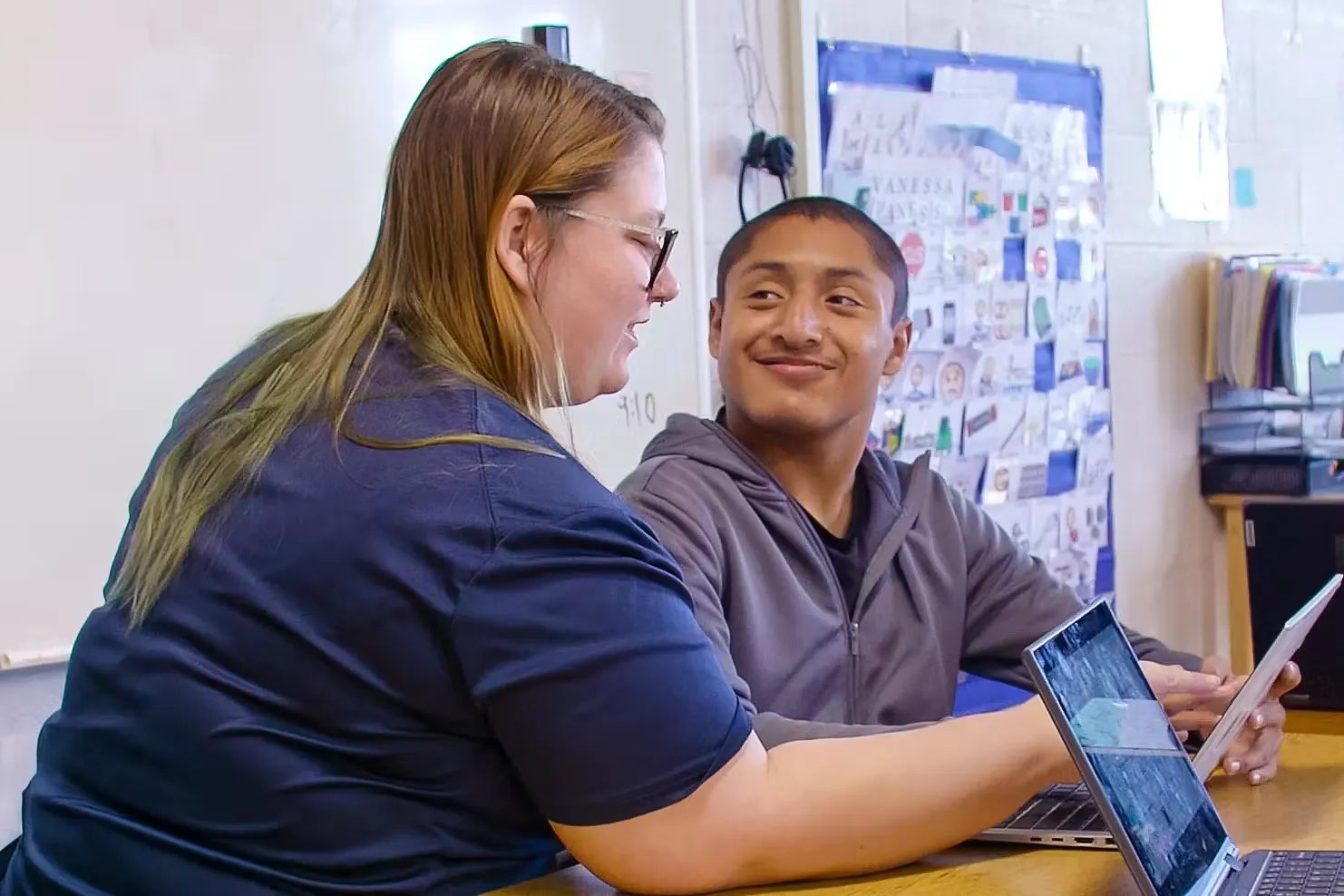
Help us spread the word about Everway’s literacy tools at your school
Our resources highlight the benefits of this software for students, parents, and teachers.
Whether you're looking for district success stories or practical implementation guidance, explore these additional resources to help you make the most of your Everway solutions.
Learn how Wapello Community School District uses uPar to identify students who may benefit from reading accommodations, support data-informed decision making, and strengthen literacy support across the district.
Explore practical webinars designed to help educators prepare for the new school year with implementation tips, classroom strategies, and product best practices.
If you’ve got any questions about how to install or use your Everway tools, our team is here to help.

Nik Poulakidas
Strategic Customer Success Manager

Looking for braille-formatted uPar passages?
Everway tech support team